
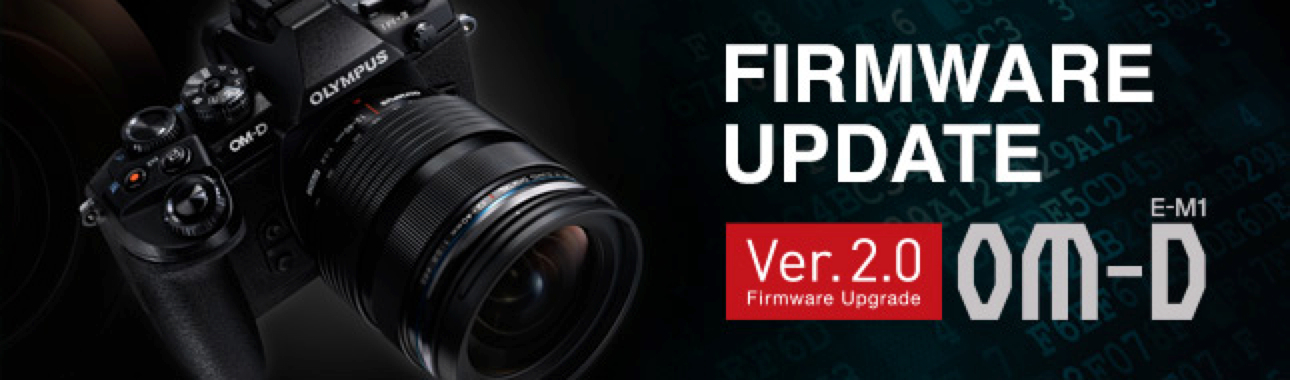
OM-D E-M1 Firmware Update Version 2.0 Available Here
Update: Olympus has actually issued a revised, version 2 Camera Manual
that incorporates these changes.
The new firmware, version 2.0, for the Olympus OM-D E-M1 is a major update. With over 24 improvements and new functions, some major but all significant, I think every E-M1 user will find something to love. There’s even a new software package coming next week (Sept, 24th) to support tethered shooting … nice!
In fact, we’ll just start there. Olympus’ new “Tethered Shooting System Software”, called “Olympus Capture”, will be ready for download on September 24, 2014. It will be available for both Mac and Windows, and should be very helpful in Pro Studios and home studios, too.
Here’s the link to the website: Olympus Capture Software
Below, is the Olympus official list of new functions and operability improvements.
8 New Functions:
- Tethered Shooting via the new Olympus Capture Software
- Live Composite mode
- Keystone Compensation (digital shift) to correct vertical distortion.
- 2 New Art Filters: Vintage and Partial Color.
- Aperture Lock function has been added to Aperture Preview.
- Panning Shot shooting mode has been added to SCN mode.
- Old Film effect has been added to movie effect.
- New Photo Story mode features: Zoom In/Out and Layout framing options. Save (complete partway through), Temporary Save, and Resume functions.
16 Operability Improvements:
· EVF image display time lag reduced to 16 milliseconds (when frame rate setting is set to high speed).
(My Note: Don’t forget … Frame Rate (Custom Menu D) is grayed out and defaults to “normal” if you have Focus Peaking turned on.)
· Multiple simultaneous settings now available in Live Guide.
· Exposure compensation (±3 EV) is now available in HDR 1/HDR2 shooting.
· A function has been added to cancel Color Creator and return to the original Picture Mode by pressing the MENU button when using Color Creator function.
· Movie Tele-converter can now be used simultaneously when Art Filter is set to Picture Mode.
· AF function for each frame was added to Custom Self Timer. In Drive Mode’s Custom Self Timer settings, you can now press the INFO button to change settings.
· MF Assist is now supported in magnified frame position.
· 3x has been added to high resolution magnified Live View.
· The Peaking display frame rate has been improved.
· Electronic zoom speed setting function was added. An icon appears on the LCD monitor when using an Olympus electronic zoom lens.
· When the arrow pad is set to Direct function, the Underwater/Underwater macro functions can be used with the left and down button on the arrow pad.
· Double tap is now supported in touch operations on the Super Control Panel.
· The level gauge and histogram can now be displayed during magnified frame display. The Touch Off icon was added to magnified frame display.
· A function was added so that shooting information recorded in HDR1/HDR2 can be viewed in the playback screen.
· Information on composited number of shots for images recorded with Live Composite was added (Can be checked in Olympus Viewer3).
· When the BKT button is held down, the BKT menu now appears.
Plus, Olympus Image Share App Ver. 2.4 is now supported.
I’ve written a comprehensive guide to Firmware Update Version 2.0 for the Olympus OM-D E-M1. It’s now available for FREE download at The Friedman Archives. If you’d like to get it, please send an email request to Gary Friedman.
Don’t forget, the definitive guide to the Olympus OM-D E-M1 is available at The Friedman Archives.
Don’t forget, the definitive guide to the Olympus OM-D E-M1 is available at The Friedman Archives.