A New Direction …

After several years of inactivity here on the blog, I’m back.  This lack of attention was not even for any good reason other than the normal distractions of life.  You know how it is to get caught up in the daily chores and various projects; those times when you’re not truly busy but just doing busy work.  Plus, like most of you who write, either in a journal, a blog, or your work I have writer’s doubt when I confront the “blank page”.  As you’ve discovered, the cure for that is to simply start writing but that is easier said than done sometimes. Right?

In order to find inspiration, I’ve done a lot of reading, refreshed the look of this site, and changed the name to align with my other media sites. I also plan to change the nature of the content here, away from being photography-centric to more of a general interest platform. I’ll be keeping up with news and technology improvements to better reflect our rapidly changing world.

Also,  after almost 20 years of an “almost” obsession with photography and digital cameras it’s become more of an afterthought, not even a hobby. Back then I always had a camera with me. Now  it’s just my iPhone which is the only camera I own at the moment. But now I’m ready to get going again, and even caught myself browsing B&H Photo this morning.

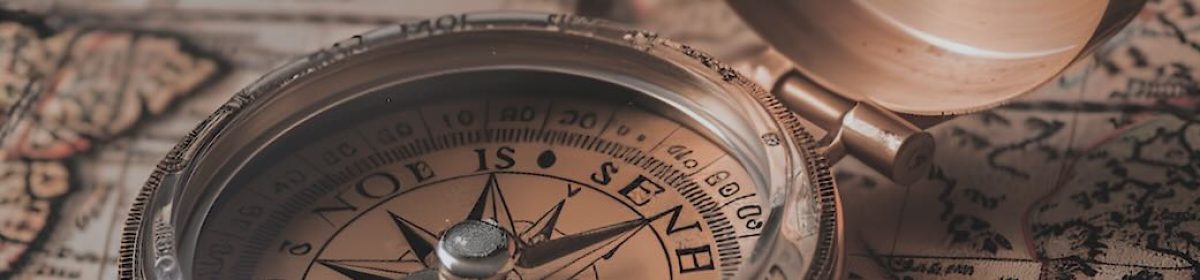
Part of the new theme is the header image, just a sliver of the entire image, but still interesting, and it’s intriguing that it was generated by AI (Artificial Intelligence)!  The detail, and the light and shadow are very well done.  I normally prefer to use my own photos, but I had nothing that was even close to what I was looking for so I downloaded it from https://pixabay.com.  Pixabay is an online image site that offers over 1500 free and royalty free images, and that is their mission,  Free Images.  There, I found a 4096 x 4096 pixel image that was almost exactly what I had in mind for the header and just needed cropping to the right shape and size.

Coming up next … a brief look at AI unknowns. Will they determine whether it turns out good or bad.?
Corrected: Olympus OM-D E-M1 (and E-M5II) Back Button Focus

Some reader’s questions enlightened me to the fact that I didn’t have all of the necessary information in this post, so I’ve tried to rectify that.  Sure hope it helps.  🙂

“Back Button Focus” refers to a way to engage autofocus (AF) on your camera separately from the shutter button, and is the preferred technique for many photographers.  The big benefit (for me) is that it allows me to stay in Manual Focus (MF) while retaining the capability to AF if I want to.  In practice, it allows you to use AF and then automatically revert back to MF so you can refine if necessary.  Then, you can expose, compose, and shoot without worrying about the focus changing when you take the shot.  Plus, it enables you to tweak the focus if necessary.  It’s also handy in the studio, so you can focus on your subject and then not worry about possibly changing the focus point every time you press the shutter button.

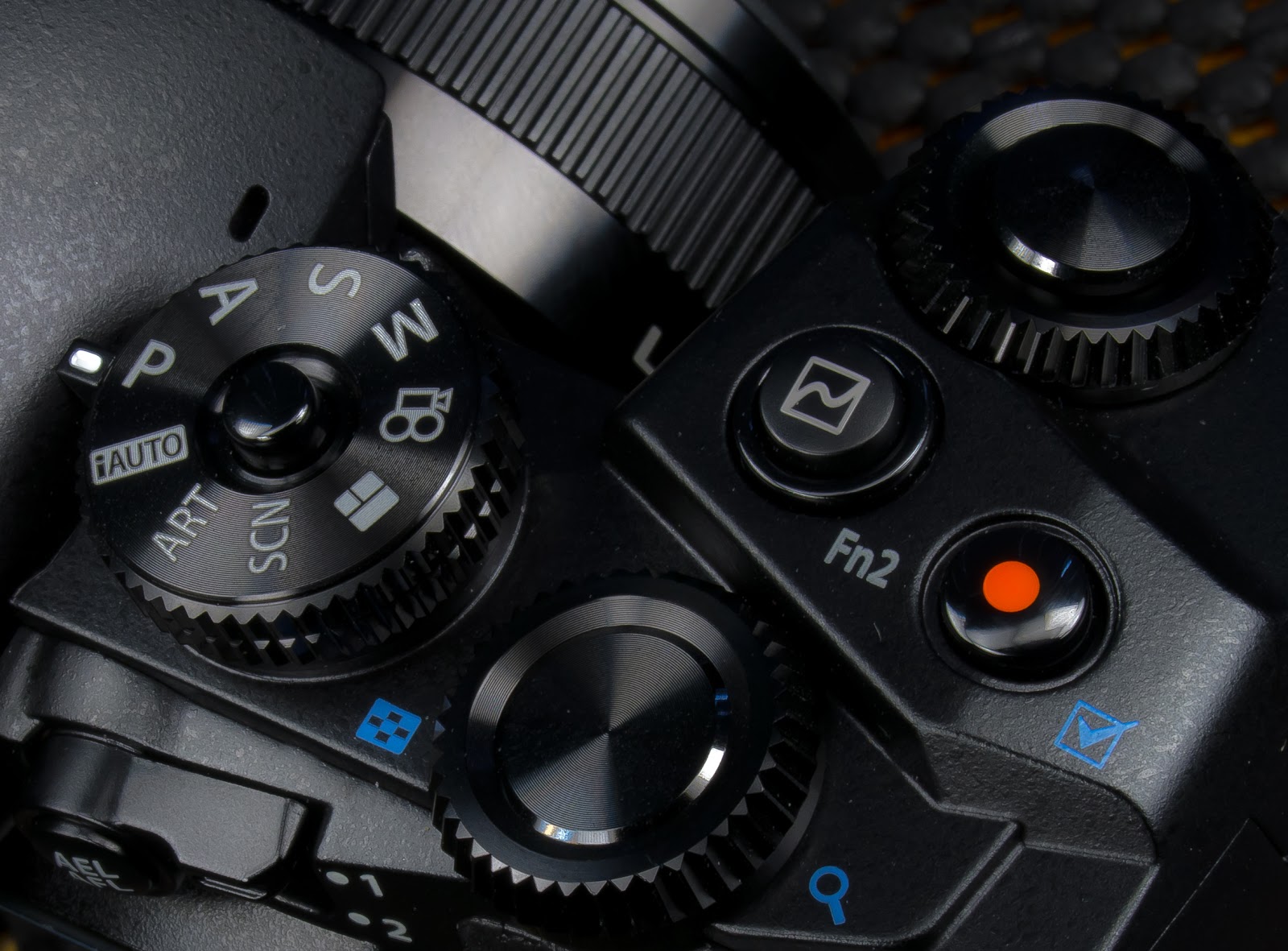
The beauty of the way I set up my E-M1, is that with just a flick of the Lever, I can easily get back to full AF with the shutter button.  So here’s one way to do it … there are probably others.  Go into the Custom Setup (Gear icon) – Menu B (Button/Dial/Lever) – Lever Function and set it to Mode 5.  The first 4 modes essentially change which dial or button is used to change WB and ISO.  I prefer to do that in either the SCP (Super Control Panel) or set my Right and Down Arrow Keys for those functions.

There are also two other settings required for this to work.  First, you must keep the AEL/AFL Button configured to AEL/AFL:  Custom Menu B – Button Function – AEL/AFL Function – AEL/AFL.  Second, go to Custom Menu A – AEL/AFL, press the OK Button, select MF and press OK again.  Now, set MF to mode 3 and press OK one more time.  If you also like using Back Button Focus when in S-AF, then set S-AF to mode 3, also.  BUT, if you set S-AF to mode 3, you lose the AEL functionality of the AEL/AFL button when the lever is in position 1.

Continue reading “Corrected: Olympus OM-D E-M1 (and E-M5II) Back Button Focus”