
 |
| Photo Story Fun Frames |
Despite what you might read on the internet, it IS possible to have fun with a “Pro” level camera like the Olympus E-M1. Even though it’s loaded with pro features like serious wireless flash, extreme customizability of the various buttons and dials, and terrific image quality, it also has some great functions and modes for just having a little fun and being a bit creative when you get the urge. 🙂
 |
| Photo Story Standard |
One of those “fun” features is the Photo Story Mode found on the Mode Dial. Once selected, you can choose between literally dozens of combinations of effects to include different layouts, numbers of images, aspect ratio, color or monochrome, borders, etc.
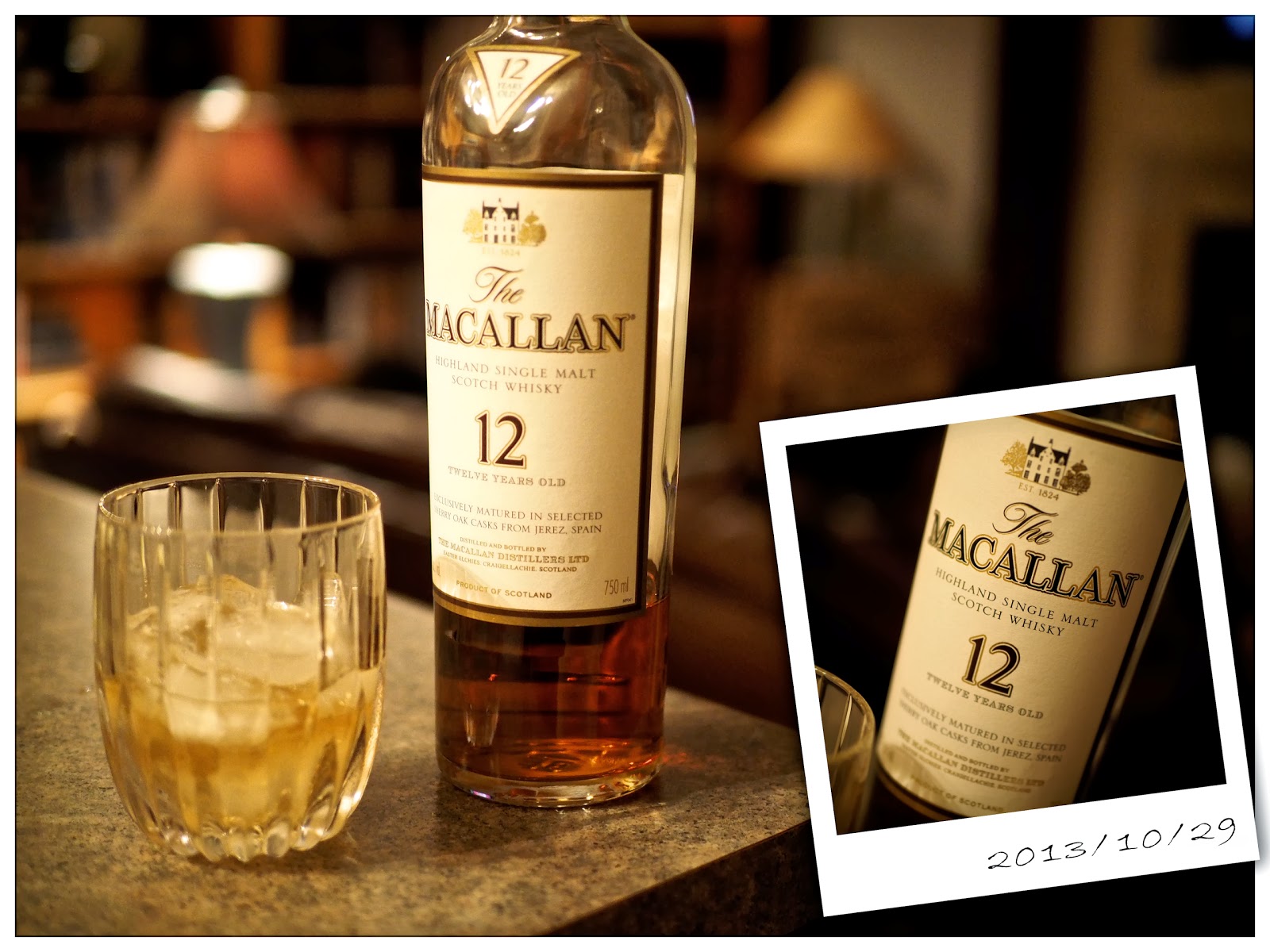
You’ll find three basic sections called Standard, Speed, and Fun Frames. The top photo here was done using one of the Fun Frames settings. Just like it sounds, the Speed section puts the camera into a continuous drive mode and would be a good one to use for catching something or someone in action … like sports or kids playing.
Note: If you shoot a vertical (portrait) layout using Fun Frames, the little white box with the date in it does NOT rotate. See this image on Flickr.
The camera will allow you to separately frame each part before the shot, and using the touch screen, you can even choose which frame to shoot next.
And, if you set RAW+JPG, the camera will not only capture the Photo Story, but will also keep full sized RAW files of each separate image. If you only shoot in JPG, then the Photo Story is all you’ll end up with.
In the Speed mode, you can either take each image one at a time or just hold the shutter button down and let the camera rip off all five (or less) images.
 |
| Photo Story Speed |

